Table Uploads
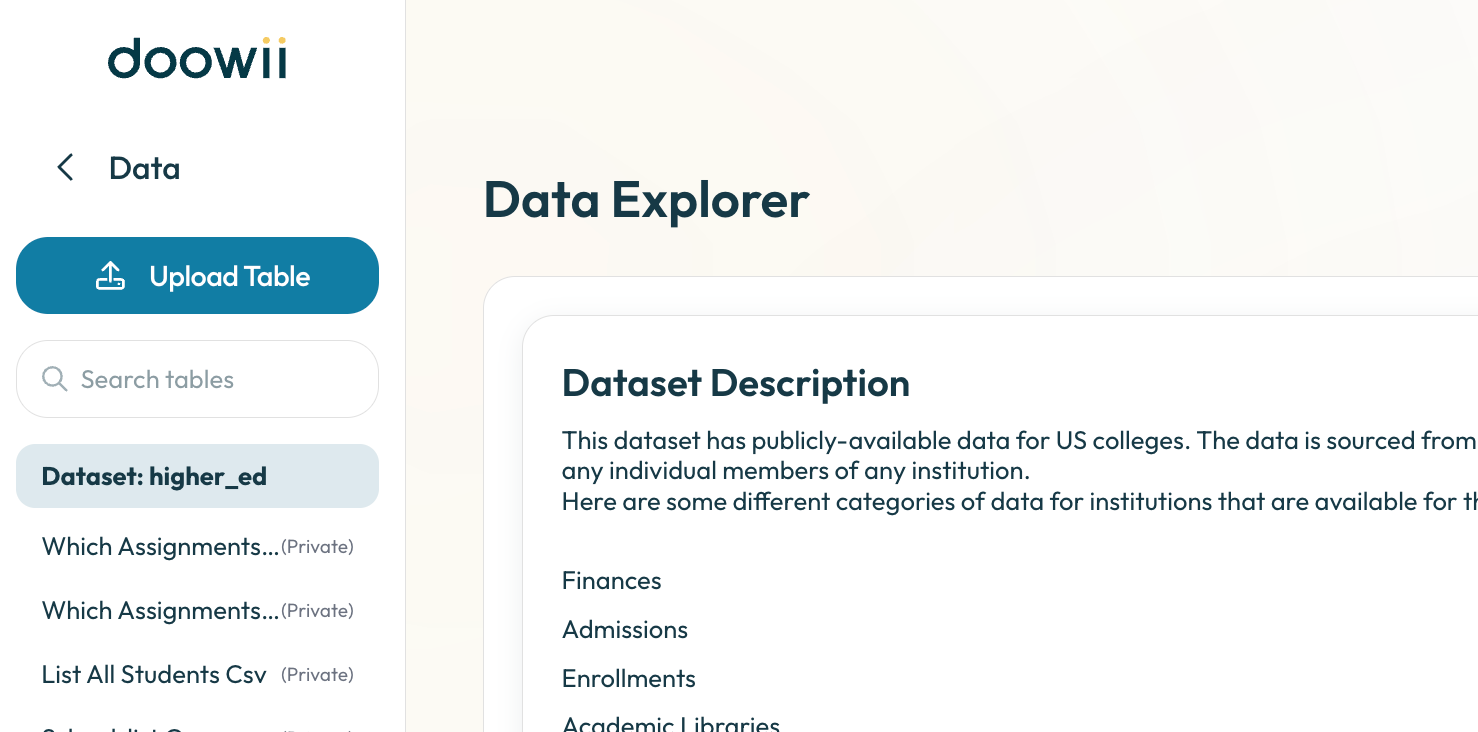
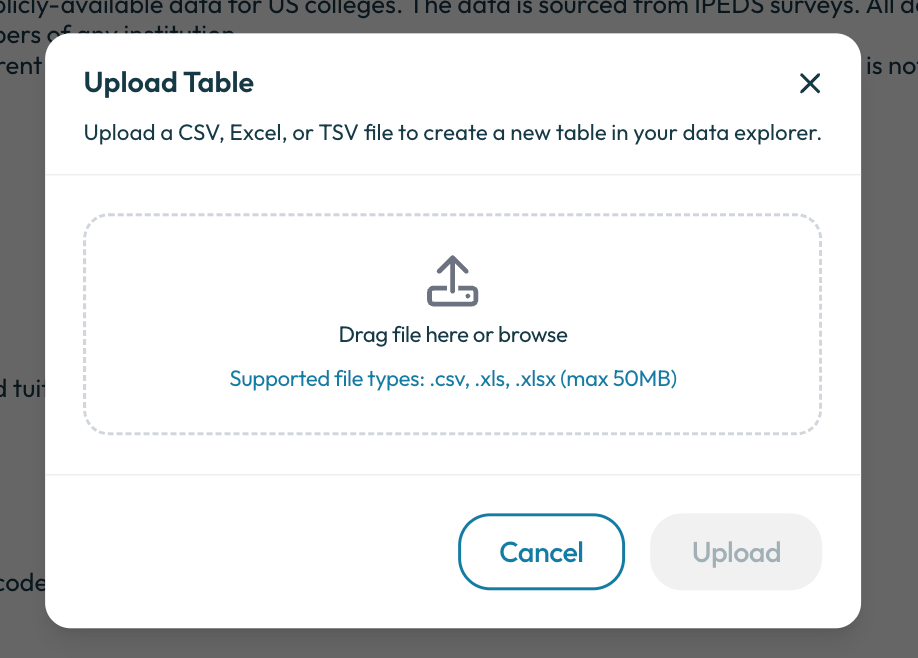
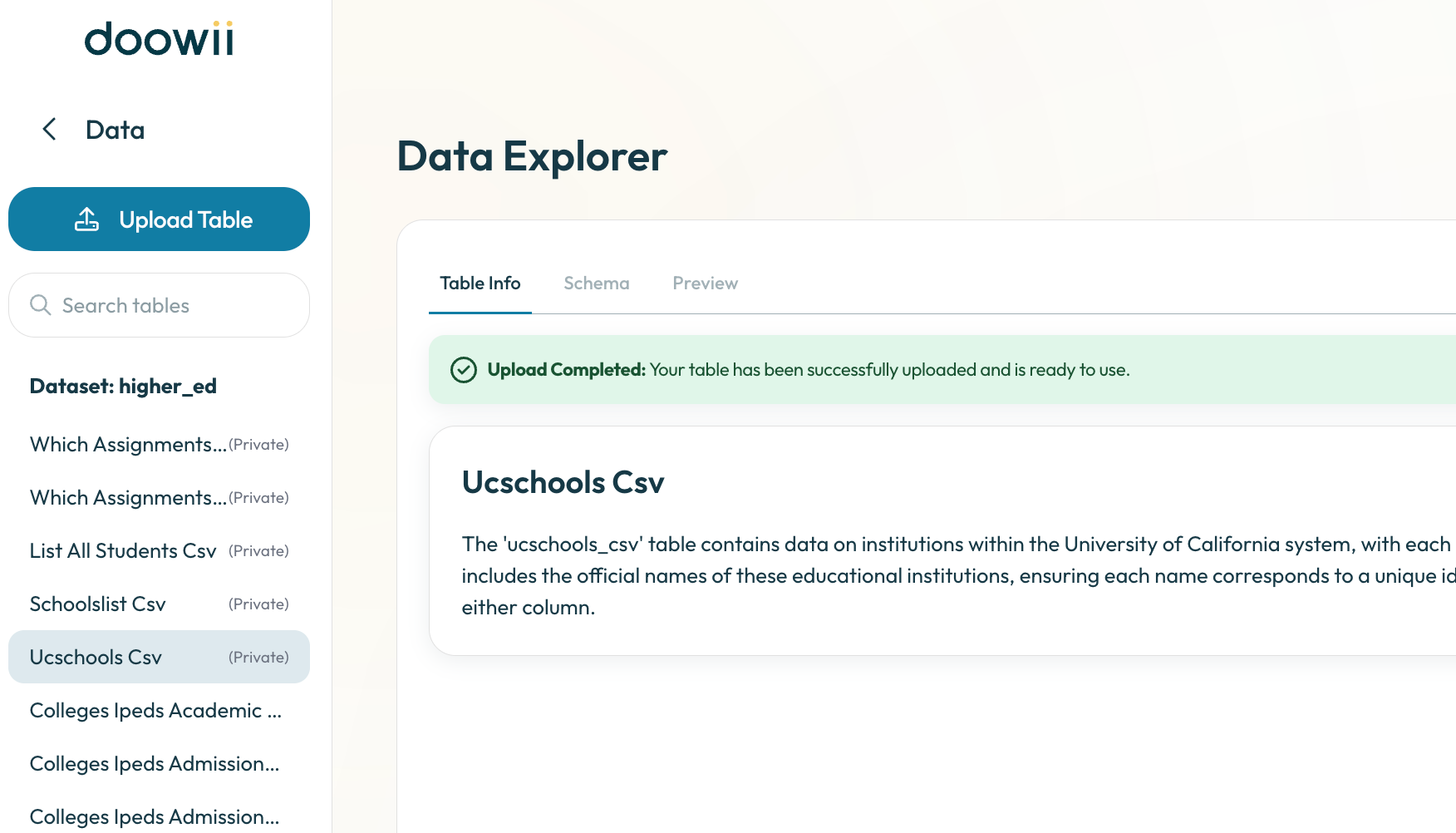
Upload your own data tables directly into Doowii to explore, visualize, and analyze them alongside your existing data. Doowii automatically detects column types, generates table and column descriptions then lets you know when the table finishes uploading, so you can start asking questions and generating insights.
Upload your own dataset in CSV, Excel (.xls/.xlsx, single or multi-tab), or TSV format.
Access your uploaded table at the top of your dataset list in Data Explorer.
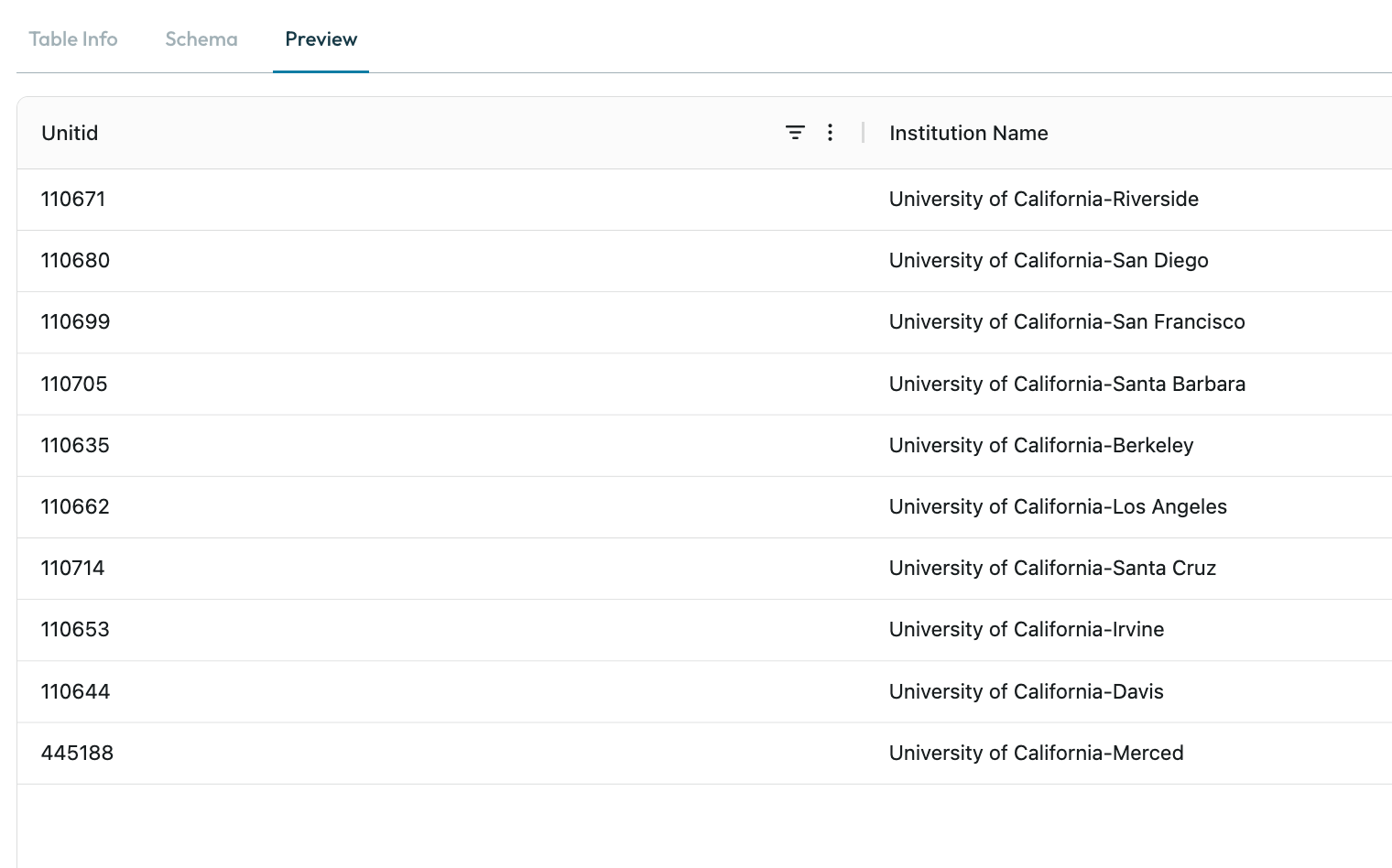
Query and visualize your data alongside Doowii’s built-in tools.
Delete tables at any time if you no longer need them.

Limits and Restrictions
File size limit: 50 MB per file.
File formats supported: CSV (comma-delimited only), Excel (.xls/.xlsx), TSV.
Special characters: Emojis and unusual symbols may not display correctly.
Joins: Table joins are not supported in this version.
Data Refresh: Uploaded data cannot be refreshed. To update the data, delete the table and upload a new file.
Table Access: Uploaded tables are private to the user who uploaded them. They are not shared across your institution’s account. Admins can still share files across accounts using the Knowledge Library, which is separate from Table Uploads.