Changelog

Follow new updates and improvements to Doowii, Inc..

December 8th, 2025

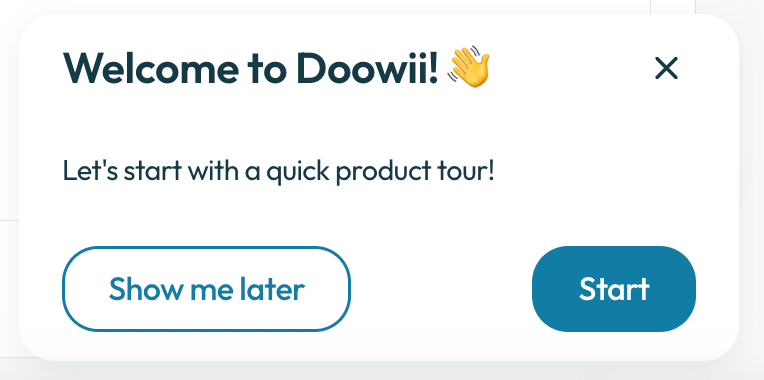
Onboarding Tutorial

Doowii’s new onboarding tutorial guides users step-by-step through asking a question to pinning the result. Once you’ve asked a question and received a result, the tutorial shows you how to “pin” that result, saving it to a pinboard.

Question Library

Doowii now includes a Question Library, a curated collection of vetted, high-quality questions that users can browse and run instantly and received a result.

Chart Assistant

Doowii’s new chart assistant lets users make any chart edit using natural language. You can ask the chart chat to change colors, switch chart types, add titles or labels, adjust aggregations, or even ask what’s possible, all without clicking through menus. It’s the fastest way to customize and explore your visualizations.

UX Updates

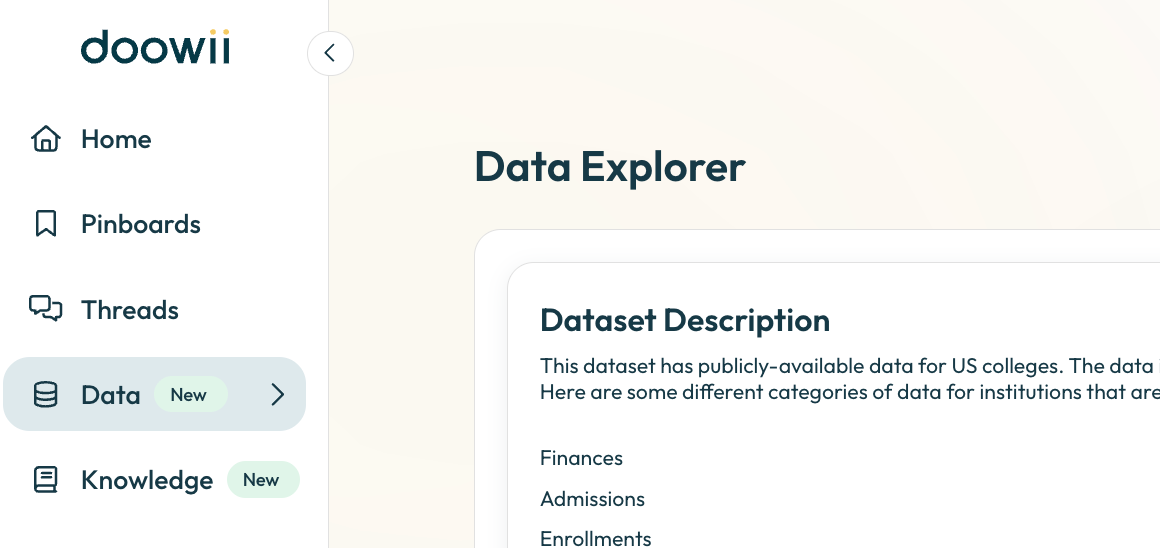
  • The left navigation bar has been updated with more concise labels and an updated home button.

  • Knowledge Library has been updated to Preferences with a more intuitive front end.

  • Collapsable summary so you can now have more space to view your result.

October 8th, 2025

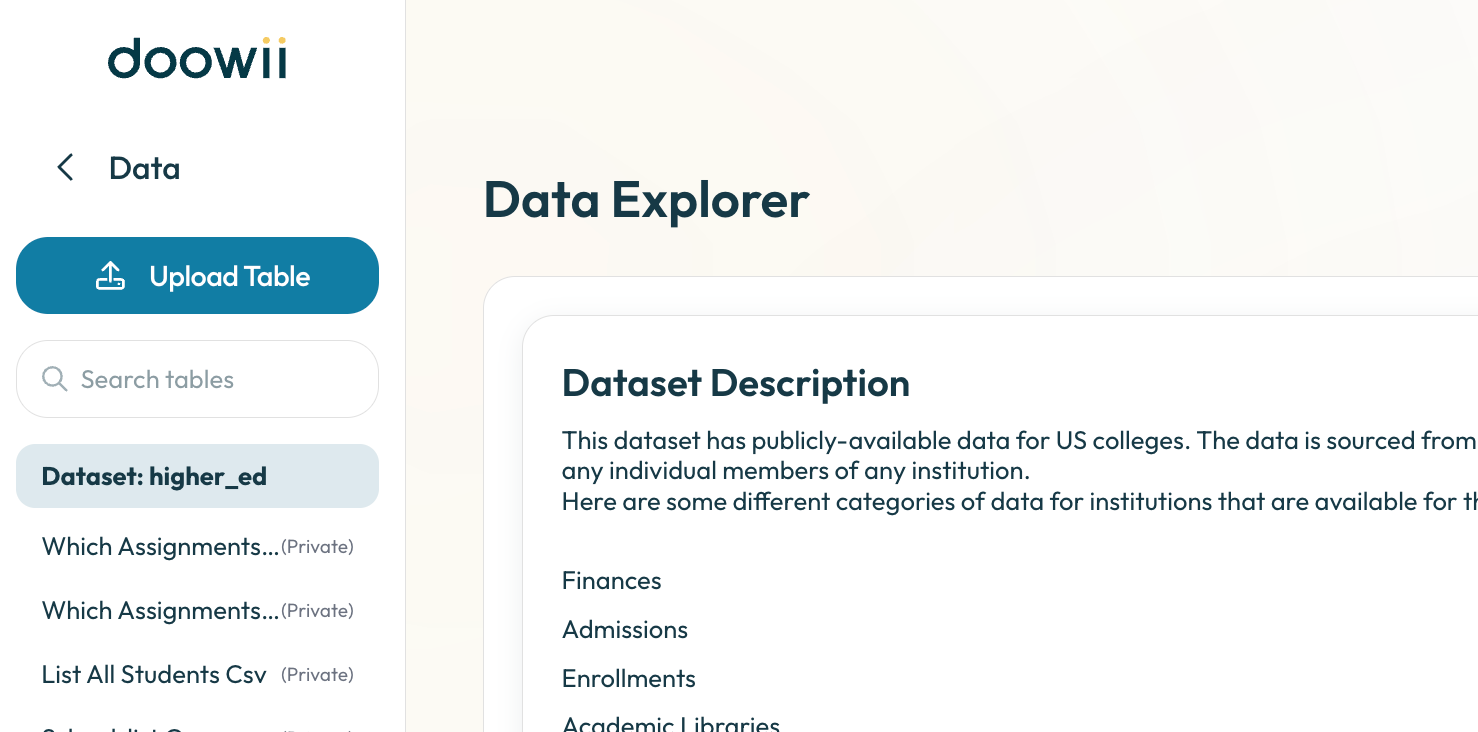
Upload your own data tables directly into Doowii to explore, visualize, and analyze them alongside your existing data. Doowii automatically detects column types, generates table and column descriptions then lets you know when the table finishes uploading, so you can start asking questions and generating insights.

  • Upload your own dataset in CSV, Excel (.xls/.xlsx, single or multi-tab), or TSV format.

  • Access your uploaded table at the top of your dataset list in Data Explorer.

  • Query and visualize your data alongside Doowii’s built-in tools.

  • Delete tables at any time if you no longer need them.

Limits and Restrictions

  • File size limit: 50 MB per file.

  • File formats supported: CSV (comma-delimited only), Excel (.xls/.xlsx), TSV.

  • Special characters: Emojis and unusual symbols may not display correctly.

  • Joins: Table joins are not supported in this version.

  • Data Refresh: Uploaded data cannot be refreshed. To update the data, delete the table and upload a new file.

  • Table Access: Uploaded tables are private to the user who uploaded them. They are not shared across your institution’s account. Admins can still share files across accounts using the Knowledge Library, which is separate from Table Uploads.

August 26th, 2025

Data Explorer

We’ve upgraded the Data Explorer to make it easier to understand your data at a glance:

  • Table Descriptions with Joins - Quickly see how each table connects to others and what it represents.

  • Column Details - View column names, descriptions, and types so you always know what you’re working with.

  • Data Preview - Peek into the data directly within the Explorer to confirm you’re looking at the right information.

This tool makes navigating your dataset faster, clearer, and more intuitive, so you can spend less time guessing and more time analyzing.

Pivot Mode

You can now use Pivot Mode directly in charting. This lets you:

  • Rearrange your data dynamically with pivoted views

  • Compare categories and measures side-by-side

  • Unlock more flexible, multi-dimensional analysis

With Pivot Mode, your charts adapt to the way you want to slice the data, giving you deeper insights without extra setup.

August 20th, 2025

Charting Enhancements

  • We now default to average for aggregations in charting.

  • We now allow for easy set up changes directly in our quick charts.

  • Any changes made to the table, will now be reflected in Advanced Charting.

    • Any column selections will now updated in the Advanced Charting tool, so you can easily jump in for deeper customizations such as color, labels, etc. The advanced chart will then be viewable in the advanced chart icon.

  • Pinboard performance has been improved where you can have a larger number of simultaneous pins with large datasets.

May 7th, 2025

New System Admin Role

We now have 3 roles in Doowii:

  • System Admin: access to everything including admin console (Manage Users and Knowledge Library)

  • Admin: access to everything except admin console

  • Viewer: access to view the pinboard they were shared with

We did a migration to convert some users from Admin to System Admin and we removed feature flags from knowledge library and manage users so those will now be gated based on the role.

Chart Builder

We now have a way to easily see your data and your chart side by side to help build the best representation of your data.

  • Select what columns and you’ll see a preview to the right of the chart

  • Then you can customize the chart by changing colors, axis labels, or title

March 26th, 2025

Filtering Results

  • Easily filter your results on any table below 100K rows. You can use the chat to get your results to below 100K then from there, simply use the filter fields at the top of the table. Your chart will also reflect the filtered results.

  • You can either search or use the drop down to multi-select as well as set a minimum and maximum for numerical values. Your filters will automatically save unless you select Clear Filters.

Pinboard Widget

  • To add headers or helpful information to a pinboard, you can now add free form text. Go to a pinboard’s related actions and select + Add widget then move this text wherever you would like in the pinboard.

Pinboard Description

  • Now when you go to edit a pinboard, you can also add a description. This helps to add more detail to the pinboard especially when sharing among your colleagues.

March 17th, 2025

Reorganize and Resize Pinboards

  • Easily rearrange pins within your pinboards—just drag and drop from the top-left corner to organize your pins exactly as you'd like.

  • Effortlessly resize visualizations by dragging the bottom-right corner of any pin to perfectly fit your needs.

Enhanced Email Verification

  • We've added a new verification step during registration, ensuring greater security for your account.

  • You'll also notice refreshed email templates for signup confirmations, verification codes, and pinboard sharing, crafted to provide clearer, friendlier communication you have come to expect from Doowii.

Model Improvements

  • Improved consistency and reliability when handling certain question types, such as retrieving user emails and generating announcements.

    • Enhanced schema-linking context, resulting in better accuracy when identifying relevant tables to answer your queries.

  • Resolved a bug affecting suggested questions, where chat responses previously displayed incorrect row counts in the Summary section.