March Feature Release 2
Filtering Results
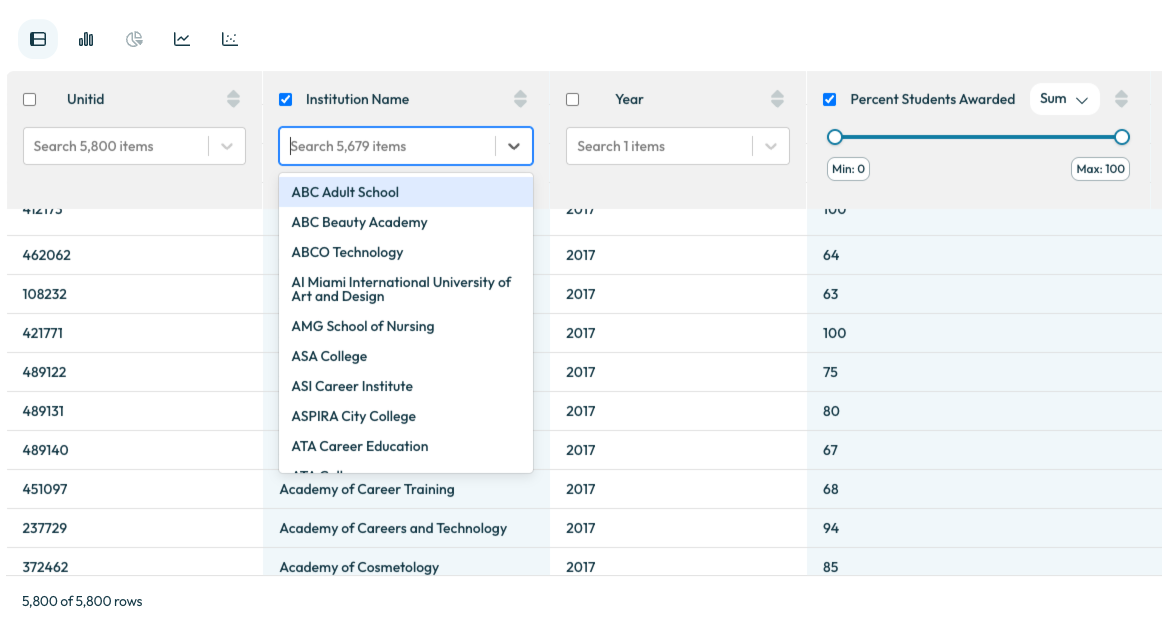
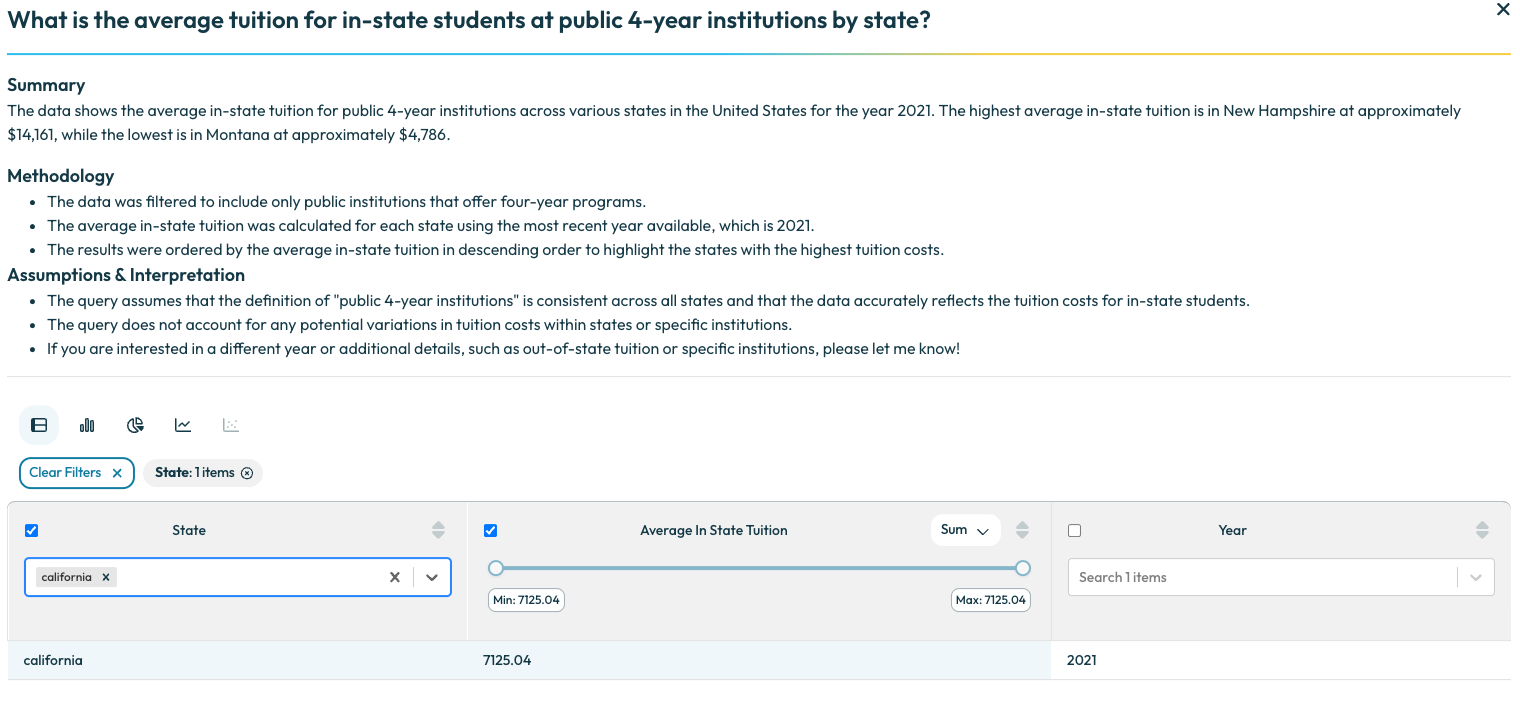
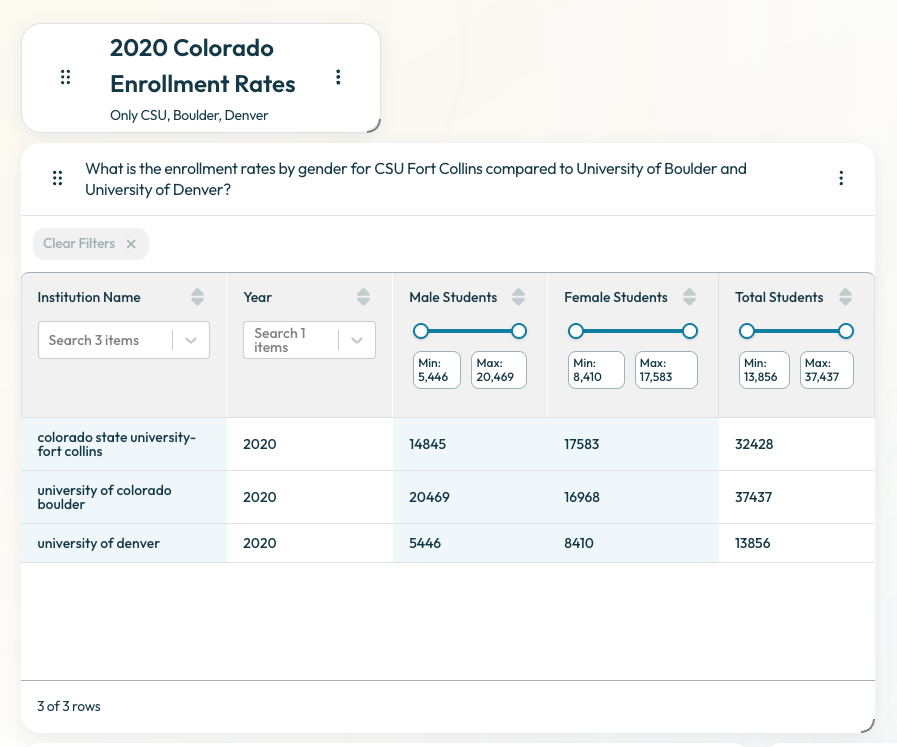
Easily filter your results on any table below 100K rows. You can use the chat to get your results to below 100K then from there, simply use the filter fields at the top of the table. Your chart will also reflect the filtered results.
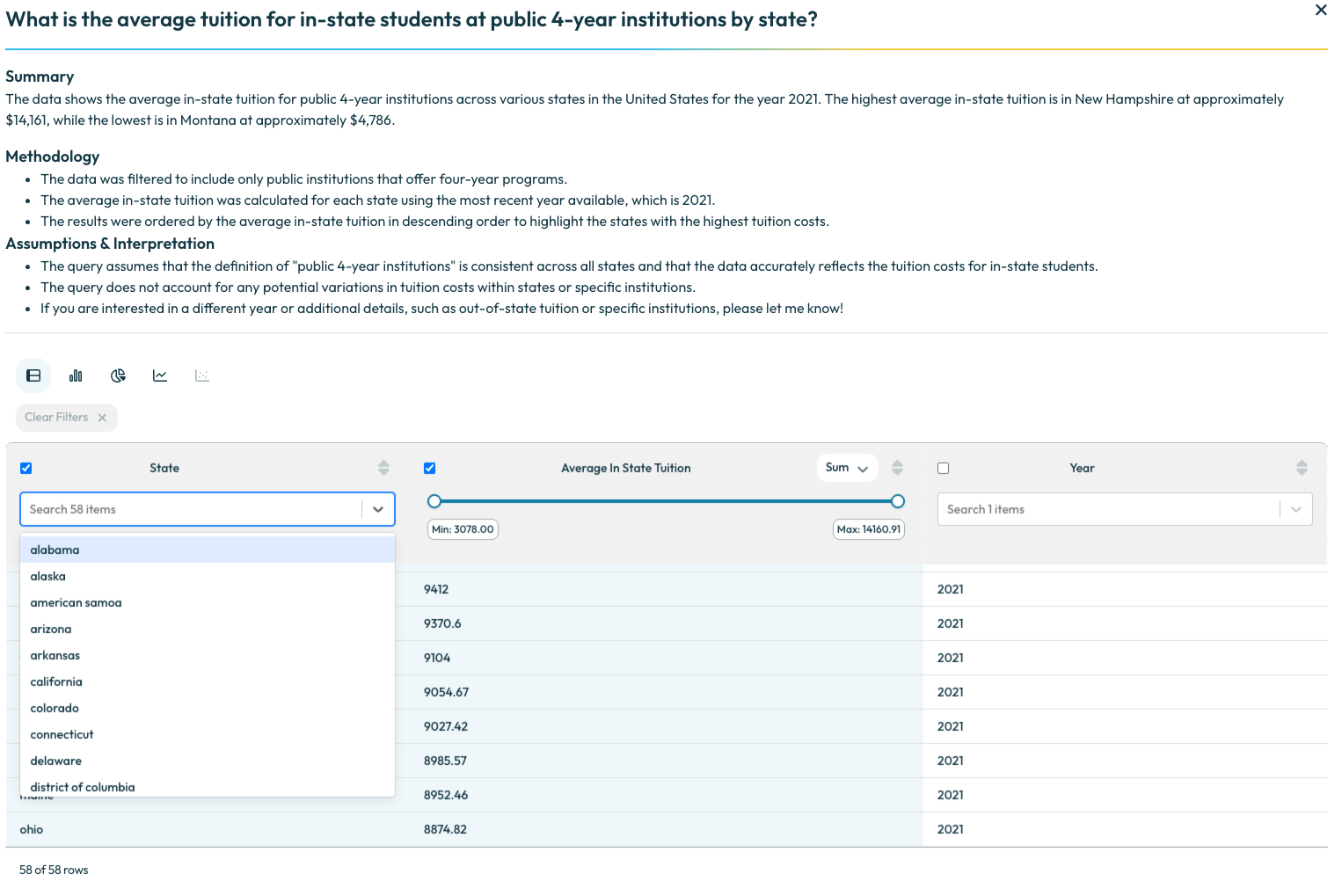
You can either search or use the drop down to multi-select as well as set a minimum and maximum for numerical values. Your filters will automatically save unless you select Clear Filters.
Pinboard Widget
To add headers or helpful information to a pinboard, you can now add free form text. Go to a pinboard’s related actions and select + Add widget then move this text wherever you would like in the pinboard.
Pinboard Description
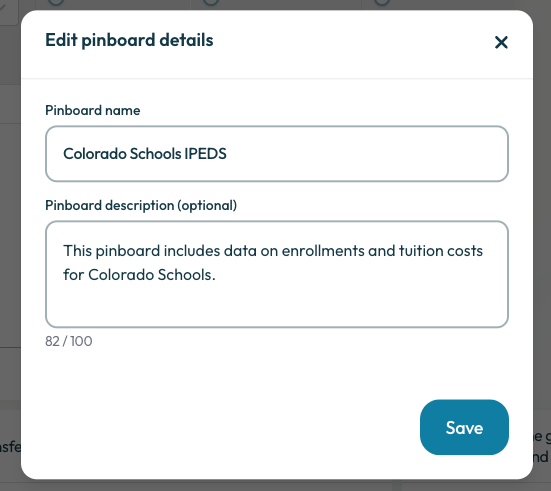
Now when you go to edit a pinboard, you can also add a description. This helps to add more detail to the pinboard especially when sharing among your colleagues.